How to Use ChatGPT As Beginner Step by Step
Chatgpt Using Guide
ChatGPT is one of the best powerful AI tools available today for beginners and skilled.
It helps users write content, solve tasks, and learn new skills easily. If you are a beginner, this guide will help you understand how to use ChatGPT step by step.
What is ChatGPT?
ChatGPT is an AI-powered chatbot that can answer questions, create text, and assist with multiple tasks like writing, coding, and research.
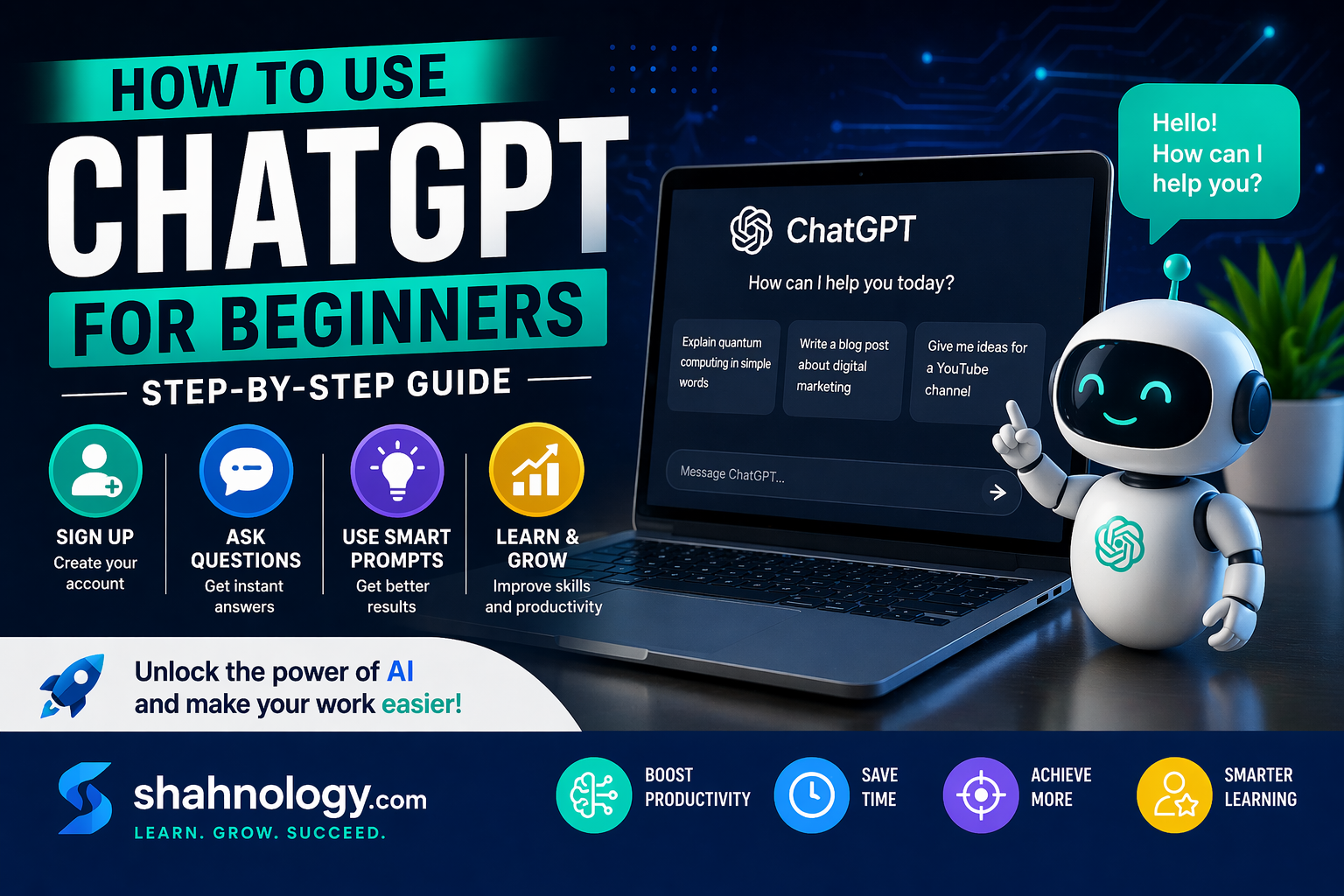
Step 1: Sign Up To use ChatGPT:
Visit the official website in the browser.
Create an account using email or direct Google.
Start prompting your questions or ideas.
Step 2: Ask Questions or ask help in tasks
Once logged in, you can type any question in the chat box it will respond.
Examples:
Just give a topic and say to write an essay or story.
Explain a topic or something else.
Get ideas or ask guidance in idea.
Step 3: Use Clear Prompts
The better your question, the better the answer easily.
Example:
Instead of: “Write about AI”
Write: “Explain AI in simple words for beginners” feedback to change or update.
Step 4: Use for Learning
You can use ChatGPT for:
Get Homework help in tasks.
Learning new digital skills.
Content writing for yourself.
Benefits of Using ChatGPT
Saves time to complete tasks
Easy to use without much skills
Improves skills and knowledge
ChatGPT is a useful platform for beginners. By using it properly, you can improve your skills and complete tasks faster and easily.
Start knowing work with ChatGPT and make your work easier in online field.